 Smirr
A noise machine for Mac
Six colours of noise, from bright hiss to deep rumble, and fourteen faders to shape them into rain, surf or a campfire. It plays from your menu bar for as long as you need.
Download for MacComing soon · £4.99 once, no subscription · macOS 14 or later
smirr Scots · noun
A fine, soft rain, so light you hardly notice it falling, until you find you're soaked through.
Smirr does the same with sound: it immerses you so gently you stop noticing it's there.
01 · Six colours
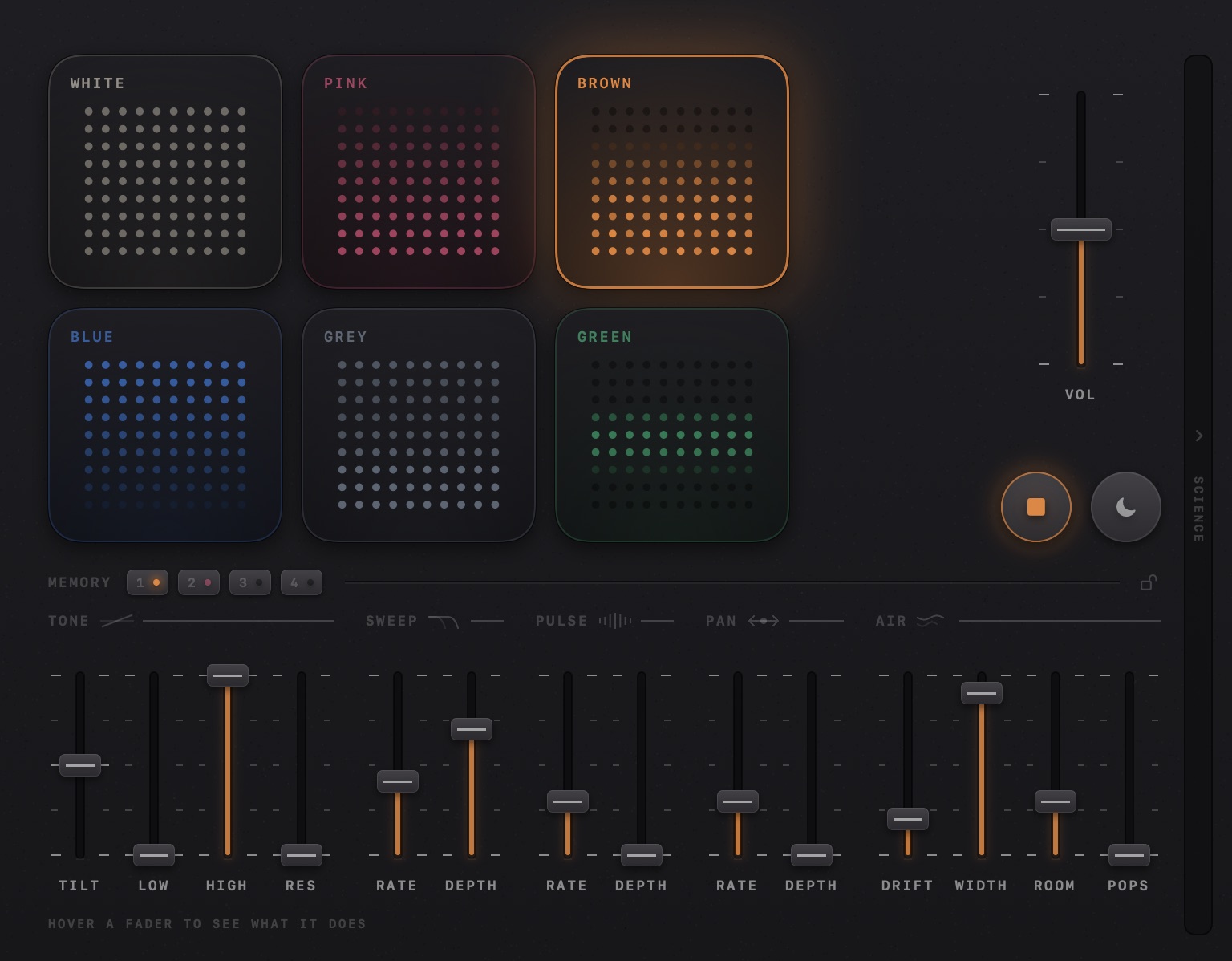
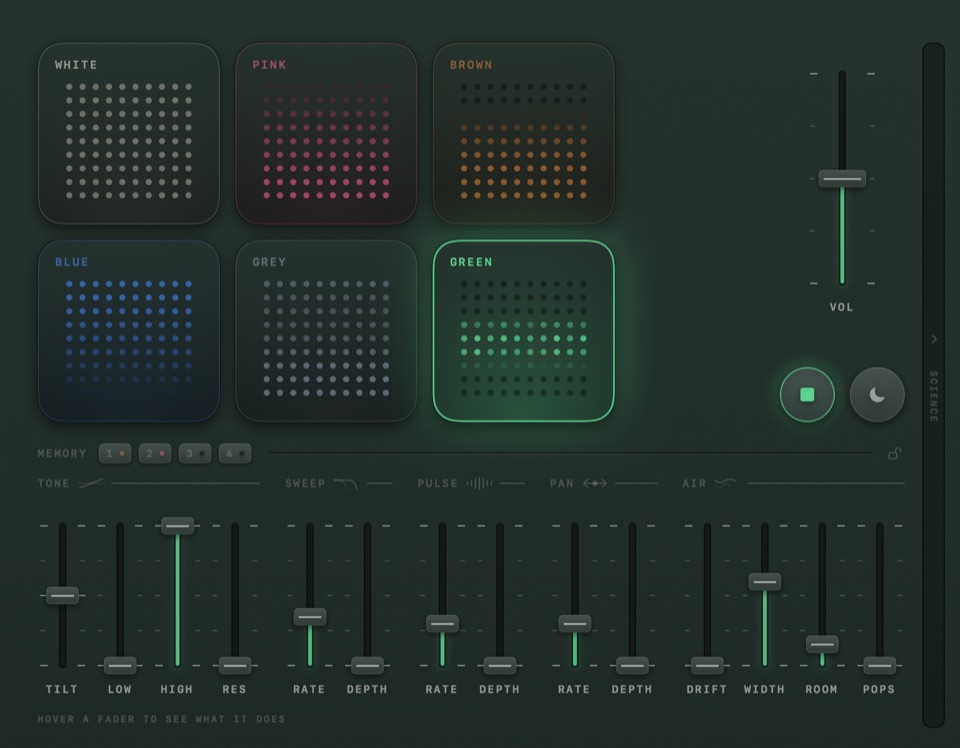
Each pad's lights show where its sound sits: deep sounds at the bottom, high ones at the top. Brown's weight is all down low; Blue's is all up high.
Flat
A fan right beside you, or a radio between stations. Bright and hissy.
−3 dB per octave
Steady rain on a roof. Softer than white, and where most people start.
−6 dB per octave
A plane cabin at cruise, or a waterfall from behind it. Deep and rumbly.
+3 dB per octave
Spray from a hose. Thin and fine; tilt it further up and it becomes violet.
Shaped to how ears hear
Level from top to bottom, so no part of it pokes out. White with the edge taken off.
A broad hump around 500 Hz
A soft roar from far off, with the top and bottom rolled away. Hollow, like air moving through a big building.
02 · Fourteen faders
Fourteen faders turn plain noise into something to get immersed in, and you don't need to know what a filter is: hover over one and Smirr tells you what it does. Move the slider and hear the difference immediately.
Tone
Darker or brighter. Trim the rumble and the hiss. Pull the treble down and it'll sound like it's coming from next door, through a wall.
Sweep
Like surf. The sound dulls and brightens in slow waves, from one every 30 seconds to one every 2.
Pulse
Like breathing. The volume swells and fades, from one breath every 20 seconds to a quick flutter.
Pan
Ear to ear. The sound travels slowly from side to side, as gently as once a minute.
Air
Wind, space and crackle. Drift makes it wander, Width wraps it around you, Room sets it in a hall, and Pops adds vinyl or campfire crackle.
Each one is a pad and a few faders. Set them like this, then make them your own.
03 · Out of the way
Close the window and it keeps playing. Change colour, stop it or set a timer from the menu bar, and hide the Dock icon if you like.
From ten minutes to two hours. The last three minutes fade out slowly, so nothing wakes you as it stops.
It always fades in, and fades in again when headphones connect. On headphones the volume is capped at 70%, and unplugging them pauses it instead of carrying on through the speakers.
1–6 pick a colour, Space stops and starts, ↑ ↓ set the volume, T sets the timer.
04 · The science
Noise apps like to promise deeper focus and better sleep. The research is thinner than that, and Smirr says so: its science panel shows what's been studied for each colour, with the papers.
The most studied colour, though the effects are small.
The striking sleep results come from short bursts timed to brain waves, not the steady stream Smirr plays.
Hugely popular, but untested for focus or sleep.
No published studies on focus or sleep, and no trials behind claims that it eases tinnitus.
An engineering idea: no published studies on focus or sleep.
No published studies; claims that it beats white noise for sleep are untested.
Untested isn't the same as useless: plenty of people simply like how it sounds. That's a good enough reason.
05 · Four finishes
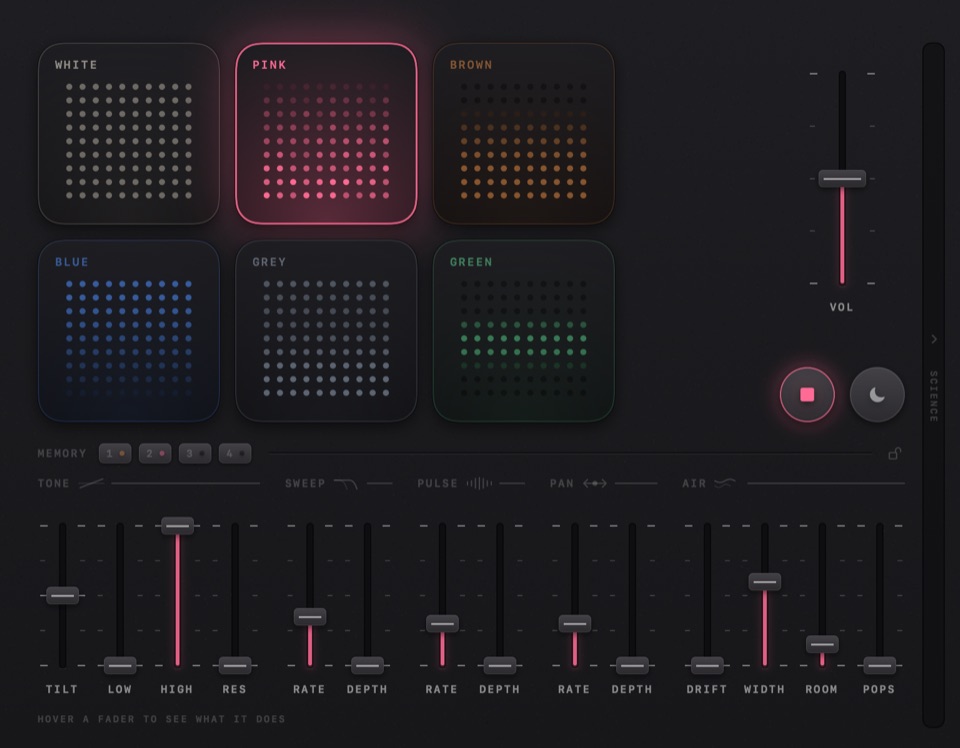
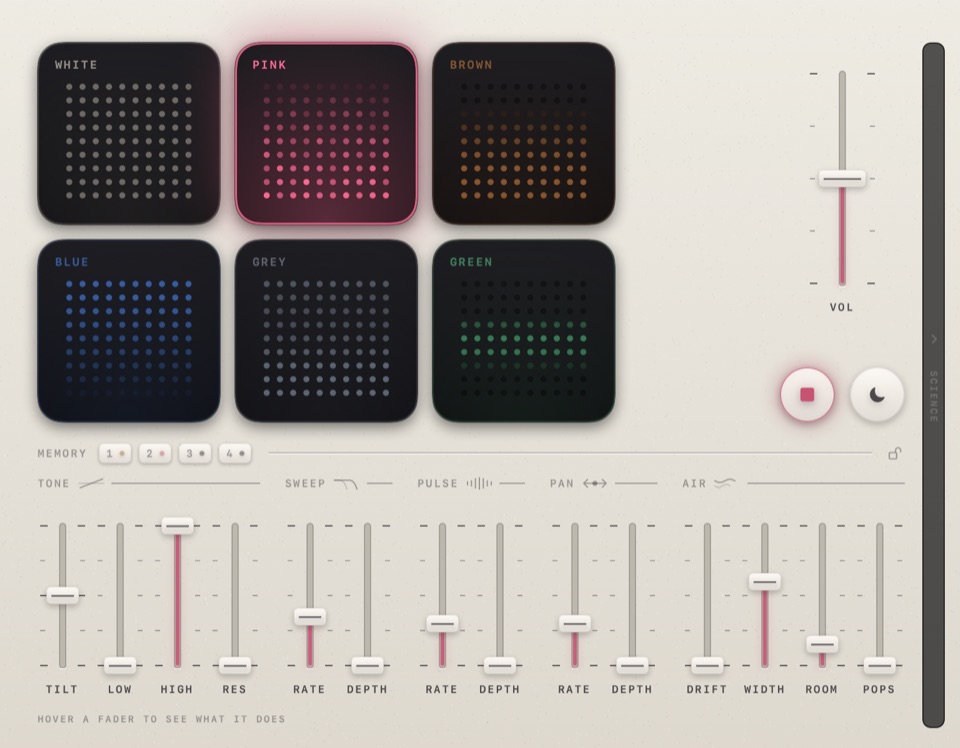
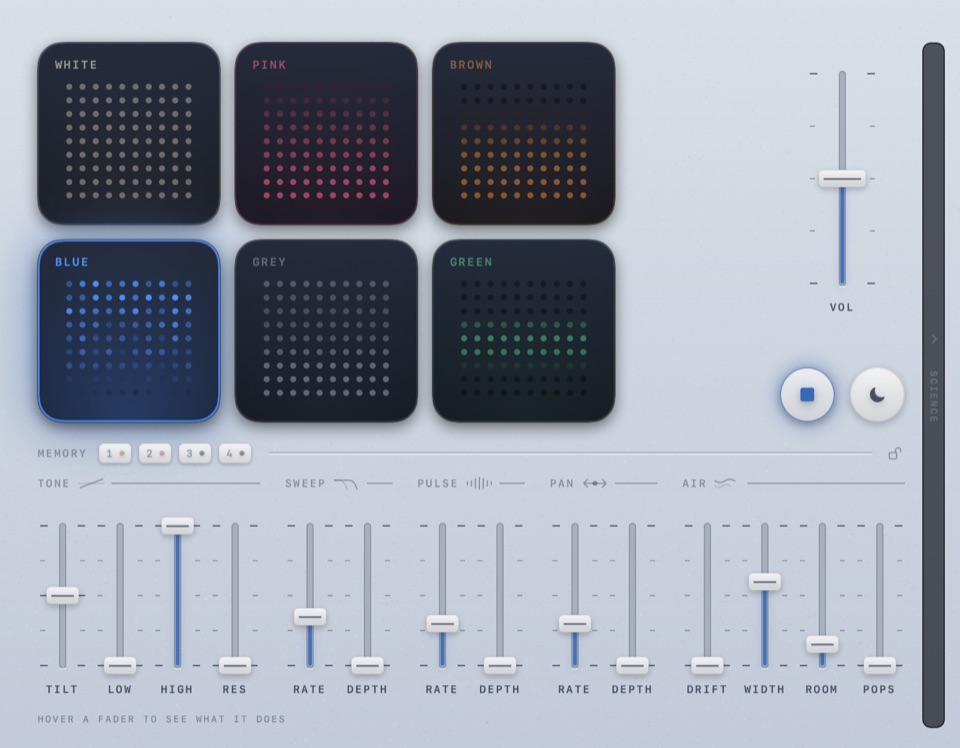
Dynamic and Pastel take on the colour that's playing. Turn on Match System and Smirr switches between dark and light when macOS does.
Coming soon · £4.99 once, no subscription · macOS 14 or later · Apple silicon and Intel
No account. Smirr only goes online to check for updates, and to send feedback when you ask it to.